Midjourney vs FLUX vs Stable Diffusion: Prompt Structure Differences Explained
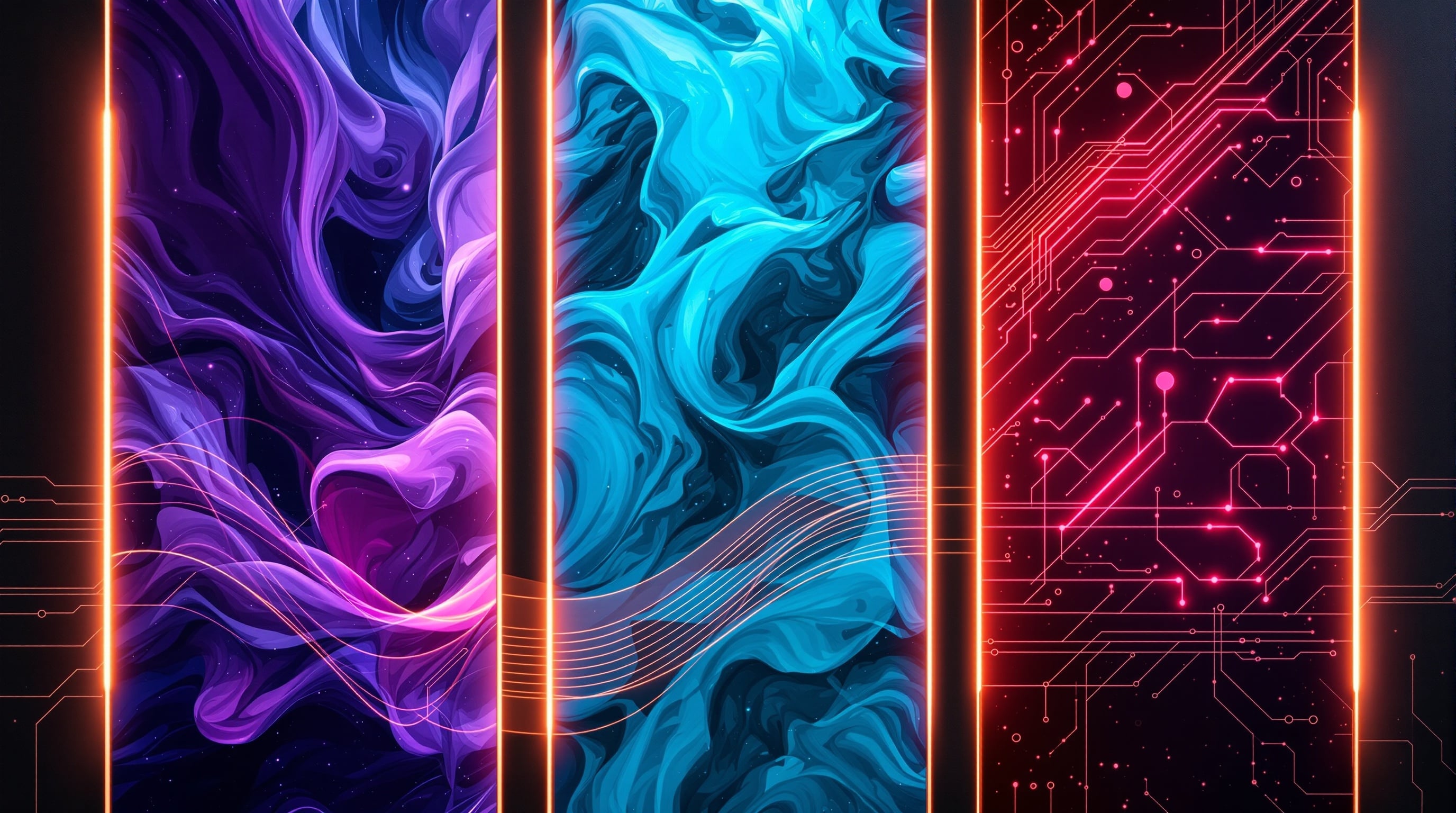
If you've tried using the same prompt across Midjourney, FLUX, and Stable Diffusion, you've probably noticed drastically different results. That's because each AI image generator interprets prompts differently, responds to unique syntax, and excels at different types of imagery.
In this comprehensive guide, we'll break down the key differences in prompt structure for each platform, helping you optimize your prompts for whichever tool you're using.
Understanding the Core Differences
Before diving into specific syntax, it's important to understand the fundamental philosophy behind each platform:
Midjourney: The Artist
Midjourney interprets prompts like a human artist would. It excels at understanding emotional context, artistic references, and evocative language. It often adds its own creative interpretation, making it ideal for artistic and stylized images.
FLUX: The Photographer
FLUX treats prompts more literally and technically. It's known for exceptional photorealism, accurate text rendering, and faithful adherence to your description. Think of it as directing a skilled photographer.
Stable Diffusion: The Engineer
Stable Diffusion offers the most technical control. With weighted tokens, extensive negative prompts, and model-specific syntax, it rewards users who understand its mechanical nature.
Prompt Length and Detail
Each platform handles prompt length differently:
Midjourney
- Optimal length: 40-60 words
- Style: Concise, evocative, poetic
- Approach: Quality over quantity—every word should serve a purpose
Example: "Ethereal portrait of a woman with flowing silver hair, bioluminescent butterflies surrounding her, mystical forest background, moonlit, dreamy atmosphere, art nouveau influences --ar 2:3 --s 500"
FLUX
- Optimal length: 75-150 words
- Style: Descriptive, technical, natural language
- Approach: Detailed scene descriptions work well
Example: "Professional portrait photograph of a woman in her 30s with long silver-white hair, standing in an ancient forest at night. Bioluminescent butterflies with soft blue and purple glow flutter around her. She wears an elegant flowing dress with art nouveau-inspired embroidery. The scene is lit by moonlight filtering through the trees, creating a dreamy, ethereal atmosphere. Shot on medium format camera, shallow depth of field, 85mm lens."
Stable Diffusion
- Optimal length: 75-200 words (with negative prompt)
- Style: Technical, keyword-heavy, structured
- Approach: Comma-separated keywords with weights
Example: "portrait of beautiful woman, (long flowing silver hair:1.3), surrounded by (bioluminescent butterflies:1.2), ancient mystical forest background, (moonlit:1.1), dreamy ethereal atmosphere, art nouveau style, highly detailed, sharp focus, professional photography, 8K resolution"
Syntax and Parameters
Midjourney Syntax
Midjourney uses a unique parameter system:
- --ar [ratio] — Aspect ratio (e.g., --ar 16:9)
- --s [0-1000] — Stylization level
- --c [0-100] — Chaos/variation
- --q [.25/.5/1] — Quality setting
- --w [0-3000] — Weirdness factor
- --no [element] — Negative prompting
- ::[weight] — Multi-prompt weighting
Multi-prompt example:
"fire::2 water::1 dragon" — Fire is weighted twice as heavily as water
FLUX Syntax
FLUX prefers natural language without special syntax:
- No parameters needed — Aspect ratio set in interface
- Natural descriptions — Write as you would speak to a photographer
- Technical terms — Photography jargon works well (aperture, focal length, etc.)
- Direct instructions — "The image should show..." or "Create a photograph of..."
Best practice: Describe the scene as if briefing a professional photographer for a specific shoot.
Stable Diffusion Syntax
Stable Diffusion offers the most technical control:
- (word:weight) — Increase emphasis (1.0 is default, 1.5 is strong)
- [word] — Decrease emphasis
- (word:0.5) — Reduce influence by half
- Negative prompt — Separate field for exclusions
- BREAK — Separates different concepts
Weighted example:
"(masterpiece:1.4), (best quality:1.3), portrait of woman, (silver hair:1.2), forest background"
Negative Prompts
How each platform handles what you don't want:
Midjourney
Uses the --no parameter inline:
"portrait of a woman in a garden --no text, watermark, blurry"
Keep negative prompts simple—Midjourney doesn't need extensive exclusions.
FLUX
FLUX handles negatives naturally in the prompt:
"Portrait photograph without any text overlays or watermarks. The image should be sharp and in focus, avoiding any blur or grain."
Describe what you want clearly, and FLUX typically avoids common issues automatically.
Stable Diffusion
Uses a dedicated negative prompt field—this is crucial for quality:
Negative: "(worst quality:1.4), (low quality:1.4), blurry, jpeg artifacts, watermark, text, signature, deformed, mutated, extra limbs, bad anatomy, bad hands, missing fingers, cropped, out of frame"
Stable Diffusion relies heavily on negative prompts to clean up output.
Style Keywords That Work Best
Midjourney Excels At:
- Art movements: impressionism, surrealism, art nouveau, baroque
- Artist references: "in the style of Alphonse Mucha"
- Emotional descriptors: ethereal, haunting, whimsical, majestic
- Lighting moods: golden hour, chiaroscuro, bioluminescent
FLUX Excels At:
- Photography terms: 85mm lens, shallow depth of field, film grain
- Camera references: "shot on Hasselblad," "Canon EOS R5"
- Magazine styles: "Vogue editorial," "National Geographic"
- Lighting setups: Rembrandt lighting, three-point lighting, natural window light
- Text rendering: signs, logos, typography (FLUX handles text exceptionally well)
Stable Diffusion Excels At:
- Quality tags: masterpiece, best quality, highly detailed, 8K
- Rendering engines: octane render, unreal engine, ray tracing
- Specific models: SDXL, SD 3.5, checkpoint-specific tags
- Technical precision: exact compositions, consistent characters
When to Use Each Platform
Choose Midjourney When:
- You want artistic, stylized imagery
- You're exploring creative concepts
- You want the AI to add its own interpretation
- You're creating fantasy, sci-fi, or conceptual art
- You prefer ease of use over technical control
Choose FLUX When:
- You need photorealistic results
- Your image includes text or typography
- You're creating product photography or commercial work
- You want the AI to follow instructions precisely
- You're working on portraits with specific requirements
Choose Stable Diffusion When:
- You need maximum control over output
- You're running generations locally
- You want to use custom models or LoRAs
- You need consistent characters across images
- You're comfortable with technical workflows
Converting Prompts Between Platforms
Here's how to adapt a single concept for each platform:
Concept: "Portrait of a cyberpunk woman in a neon-lit city"
Midjourney version:
"Cyberpunk woman with chrome implants, neon-drenched Tokyo alley, rain-slicked streets reflecting pink and blue lights, cinematic atmosphere, blade runner vibes, moody, dramatic --ar 2:3 --s 400"
FLUX version:
"Professional portrait photograph of a young woman with subtle cybernetic implants visible on her temple. She stands in a narrow Tokyo alley at night, surrounded by neon signs in Japanese and English. Pink and blue neon lights reflect off the wet pavement. She wears a black leather jacket with glowing circuit patterns. The scene is captured with a 50mm lens at f/1.8, creating beautiful bokeh from the background lights. Cinematic color grading with teal and orange tones."
Stable Diffusion version:
"(masterpiece:1.3), (best quality:1.2), portrait of cyberpunk woman, (chrome cybernetic implants:1.2), neon-lit Tokyo alley background, (pink and blue neon lights:1.1), rain, wet streets, reflections, blade runner aesthetic, cinematic lighting, detailed face, sharp focus, 8K"
Negative: "(worst quality:1.4), (low quality:1.4), blurry, deformed face, bad anatomy, extra limbs, watermark, text"
Common Mistakes When Switching Platforms
- Using Midjourney parameters in FLUX: FLUX doesn't recognize --ar or --s syntax
- Using weighted tokens in Midjourney: (word:1.5) syntax doesn't work—use :: instead
- Skipping negative prompts in SD: Stable Diffusion needs them for clean output
- Being too verbose for Midjourney: Long prompts can confuse Midjourney
- Being too terse for FLUX: FLUX benefits from detailed descriptions
- Expecting identical results: Each platform has its own aesthetic—embrace the differences
Tools to Simplify Multi-Platform Prompting
Writing optimized prompts for each platform can be time-consuming. That's where specialized tools help:
- PromptOrb: Automatically generates optimized prompts for all major platforms from a single description. Perfect for creators who work across multiple AI tools and want consistent quality without memorizing each platform's syntax.
- Platform documentation: Always check official guides for the latest features
- Community resources: Study successful prompts from each platform's showcase
Conclusion
Midjourney, FLUX, and Stable Diffusion each have unique strengths and require different prompting approaches. Midjourney rewards artistic, evocative language. FLUX excels with detailed, natural descriptions. Stable Diffusion offers technical precision through weighted syntax.
Understanding these differences transforms your results. Instead of fighting against each platform's nature, you'll work with it—getting the best each tool has to offer.
Ready to generate optimized prompts for any platform? Try PromptOrb to instantly create perfectly structured prompts for Midjourney, FLUX, Stable Diffusion, and more.